Developer Device Security for Startups: The Software Supply Chain Risk
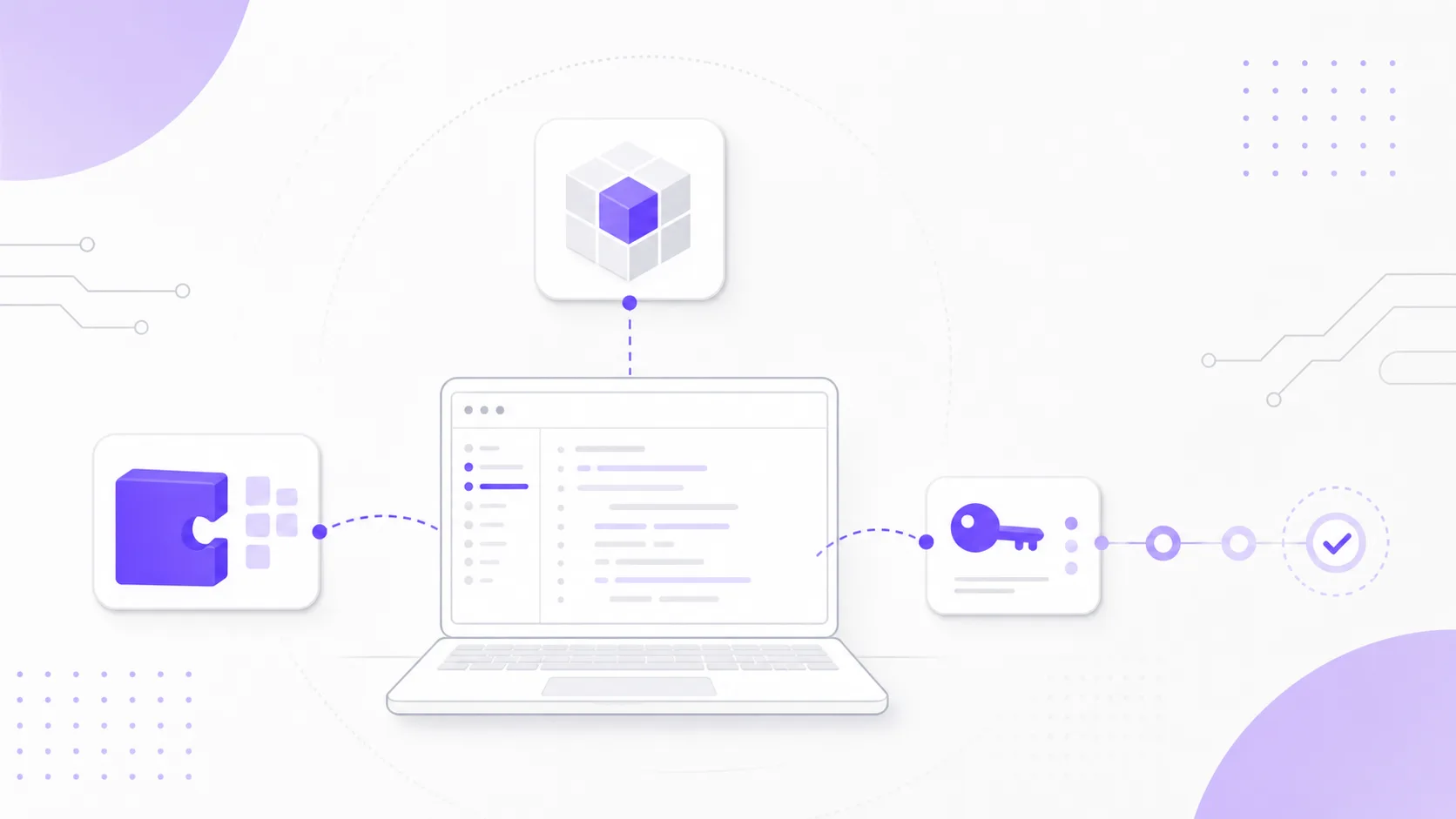
For many startups, the developer laptop has become part of the production supply chain. It can hold cloud credentials, package registry tokens, GitHub sessions, SSH keys, .env files, local databases, AI coding tool credentials, and access to deployment workflows.
Recent incidents make this worth treating as an operating risk, not a hygiene footnote. CISA warned in May 2026 about supply chain compromises involving Nx Console and GitHub repositories, while incident write-ups tracked similar patterns across VS Code extensions, npm packages, PyPI packages, GitHub Actions, and developer credentials. For a startup, the useful question is direct: which developer tools can reach code, secrets, releases, or customer data?
The Recent Pattern
The 2026 developer supply chain incidents point to a broader pattern than individual bad packages. Attackers are looking for the places where developer convenience meets high-value access.
StepSecurity's May 2026 incident analysis described attacks across several layers of the development workflow: poisoned VS Code extensions, compromised GitHub Actions, trojanised PyPI packages, and npm packages designed to spread through stolen credentials. Cloudsmith's May roundup recorded a similar concentration of incidents, including malicious npm packages, compromised maintainer accounts, and extension-related exposure.
The common thread is trust inheritance. An IDE extension can read local files or interact with terminals. A package install script can run during development or CI. A GitHub Action can receive environment variables and repository tokens. An AI coding tool may have access to local project files and shell execution. Each tool may look small in isolation, while the access behind it can be material.
Startup Exposure Looks Different
Larger companies usually have endpoint tooling, software inventories, security teams, and formal change controls. Startups often have fast-moving engineers with broad access and a strong bias toward removing friction.
That is understandable. Early teams need to ship. Developers install extensions to work faster, add AI assistants to review code, pull npm or PyPI packages during experiments, and connect SaaS tools through OAuth. The risk appears when approvals remain informal while the access behind those tools is production-grade.
In a small engineering team, one compromised workstation can reach source code, production logs, cloud consoles, customer data exports, package publishing rights, CI secrets, and internal documentation. If the company is preparing for enterprise customers, ISO 27001, SOC 2, vendor reviews, or cyber insurance, the developer environment becomes part of the evidence story.
For Singapore startups and SMEs, this also connects to customer trust. A young company may not have mature security operations, but it can still show that developer access, code publishing, and CI/CD secrets are governed deliberately.
A Minimum Developer Security Baseline
The starting point for a startup is a baseline that covers the highest-risk paths first, rather than a heavy enterprise programme.
For company-managed developer machines:
- Require full-disk encryption, screen lock, automatic operating-system updates, and a password manager.
- Enforce phishing-resistant MFA or authenticator-based MFA for GitHub, cloud, package registries, password manager, and SSO.
- Keep local admin use intentional. If every developer has local admin permanently, document why and review it as the company grows.
- Require endpoint protection or a managed security baseline on devices that can reach production, customer data, or CI/CD secrets.
For repositories and code hosting:
- Require organisation-wide MFA.
- Protect default branches with pull requests, required status checks, and blocked force pushes.
- Add CODEOWNERS for
.github/workflows/, deployment scripts, infrastructure code, and package publishing configuration. - Review GitHub Apps, OAuth apps, deploy keys, fine-grained personal access tokens, and classic personal access tokens at least monthly.
For release paths:
- Set the default
GITHUB_TOKENor equivalent CI token to read-only, then grant write permissions only inside jobs that need them. - Put production deployments behind protected environments or manual approval.
- Separate staging and production credentials.
- Store deploy keys, package publishing tokens, signing keys, and cloud credentials in a secrets manager or CI secret store, not in local
.envfiles.
This is the practical starting point. It gives the startup a controlled path for code, packages, credentials, and releases without asking engineers to stop using modern tools.
Extension And Tool Governance
Developer tooling should be treated more like dependencies than personal preference.
Start with an inventory. Ask each engineer to export their common IDE extensions, browser extensions used for work, local CLIs, AI coding tools, GitHub Apps, and repository-connected OAuth applications. For VS Code, for example, the output of code --list-extensions --show-versions gives a useful starting snapshot.
Then classify tools by access:
- Low risk: formatting, themes, snippets, documentation helpers, and tools with no repository or credential access.
- Medium risk: tools that read repository contents, interact with local build steps, or connect to internal SaaS accounts.
- High risk: tools that can run commands, write files, publish packages, call cloud APIs, access secrets, or modify CI/CD workflows.
High-risk tools need an owner and an approval reason. In a startup, the owner may be the CTO, engineering lead, or platform engineer. Someone should be able to explain why the tool is installed, what it can access, and how it would be removed if compromised.
Auto-update deserves a separate decision. For ordinary low-risk extensions, automatic updates may be acceptable. For extensions that can run commands, read workspaces, or interact with credentials, the team should decide whether updates are reviewed, pinned through managed settings, or limited to an allowlist.
Package Installs And CI Workflows
Package governance should reduce surprise at the points where code executes automatically.
Lockfiles should be reviewed with the same seriousness as source changes when a dependency sits in a release path. Package manager scripts should be treated as executable code, especially post-install scripts. CI workflows should avoid floating references where possible. GitHub Actions, Docker images, npm packages, and PyPI packages should be pinned to versions, commit SHAs, or digests when the dependency is part of deployment, publishing, signing, or infrastructure.
CISA and NSA's recommended practices for developers emphasise secure development practices across the software lifecycle. For a startup, the useful translation is a small number of review rules:
- Dependency changes that introduce install scripts, native builds, or new maintainers need human review.
- Workflow changes under
.github/workflows/, deployment scripts, and infrastructure directories need CODEOWNER review. - Package publishing should use dedicated accounts or trusted publishing mechanisms where available.
- CI jobs that receive secrets should not run automatically on untrusted forks or arbitrary pull requests.
- Release workflows should produce logs that show who approved the release, which commit was deployed, and which environment was targeted.
This is also where startups should decide what happens in experiments. Engineers can still try new packages locally, but production paths need stronger rules. The difference should be explicit.
Local Secrets And Token Scope
Developer machines often contain more secrets than teams realise. .env files, shell history, local config folders, package registry tokens, cloud profiles, AI service keys, SSH agents, password manager sessions, and OAuth refresh tokens may all be present on the same device.
The first practical step is a token inventory. List the credentials that can publish packages, deploy code, access production cloud accounts, read customer data, or administer source control. For each credential, record the owner, scope, expiry, storage location, and rotation process.
The target state should be narrow and boring:
- Production credentials are not present on every developer workstation.
- Personal access tokens are fine-grained, scoped, and time-bound where the platform supports it.
- Package registry tokens are separated by package, registry, and permission level.
- Cloud credentials are separated by environment and role.
- Local
.envfiles contain development credentials only. - Secrets scanning runs on repositories, and push protection is enabled where available.
When a suspicious package, extension, or CI action is discovered, removal is only one part of the response. Rotate credentials that may have been exposed. Review recent package publishing, repository changes, CI runs, cloud sessions, and OAuth grants. Keep a short incident note with the timeline and actions taken, because the same evidence may matter later for customer due diligence.
AI Coding Tools Add Another Path
AI coding assistants make the developer device more capable, and they also make the trust boundary harder to see.
Recent reporting on Claude Code exploitation research showed how an agentic coding tool could be influenced through ordinary-looking project instructions and runtime behaviour. The broader lesson applies beyond one product. If a tool can read files, run commands, modify code, or follow setup instructions, the team should decide which repositories and environments it is allowed to touch.
Useful rules for startups:
- Run agentic tools only in repositories where their access is intended.
- Avoid loading production secrets in shells or IDE sessions used for AI-assisted experimentation.
- Treat generated workflow, dependency, Dockerfile, and infrastructure changes as high-risk code.
- Use separate profiles, containers, or disposable development environments for unfamiliar repositories.
- Review project-level instruction files before letting an agent execute commands from them.
This keeps AI coding tools available while reducing the chance that a helpful assistant becomes a credential or workflow exposure path.
Evidence Before Customer Review
Developer device security becomes much easier to explain when the team keeps lightweight evidence.
Create a small evidence folder, updated monthly or before major customer reviews. It should include:
- Approved developer tool list, including high-risk IDE extensions, AI coding tools, GitHub Apps, and OAuth integrations.
- Current branch protection and CODEOWNER settings for important repositories.
- CI/CD workflow review notes for production deployment and package publishing.
- List of package publishing accounts and tokens, with owner and rotation date.
- Secret scanning status and recent remediation notes.
- MFA enforcement screenshot or export for code hosting, cloud, and password manager accounts.
- Device baseline evidence: encryption, operating-system update policy, endpoint protection, and offboarding process.
- Credential rotation notes after suspicious packages, extensions, or workflow changes.
The evidence can stay lightweight. It should be accurate enough that a founder or CTO can answer a customer security questionnaire without reconstructing the environment from memory.
Access First, Tooling Second
The work is easier to start when it is sequenced by exposure rather than by tool category.
Start with access. Export repository access, GitHub Apps, OAuth apps, deploy keys, personal access tokens, and package publishing accounts. Remove stale access before tuning more complex controls.
Then protect the release path. Enforce MFA, check branch protection, add CODEOWNERS for workflows and deployment files, and set default CI token permissions to read-only where possible.
After that, review where secrets are available. Identify CI jobs that receive credentials, move production deployments behind protected environments or explicit approvals, and separate staging credentials from production credentials.
Once the release path is clearer, look at developer tools. Create a high-risk tool list covering IDE extensions, browser extensions, AI coding tools, local CLIs, and package manager plugins that can read files, run commands, or reach credentials.
Finally, clean up local secrets and evidence. Review .env usage, local cloud profiles, package registry tokens, and SSH keys. Rotate credentials that are too broad, shared, stale, or stored in the wrong place. Assign owners for the tool list, repository settings, CI/CD settings, and package publishing access.
This sequencing will not cover every supply chain risk, but it gives a startup a defensible baseline and a path for improvement as the engineering team grows.
Palisade Support For Developer Supply Chain Security
Palisade helps startups and growing technology companies review the security of their development workflow before it becomes a customer, audit, or incident-response problem. We can assess developer device controls, GitHub and CI/CD access, package publishing rights, secrets handling, extension and OAuth governance, and the evidence needed for vendor reviews or certification readiness.
For teams moving quickly, the goal is not to slow engineering down. It is to identify the controls that reduce the most risk with the least operational drag, then turn them into a repeatable process the team can maintain.
Control selection, secure development enablement, and the evidence enterprise customers ask for are the substance of our security consulting and readiness work.
To discuss developer supply chain security, startup security readiness, or CI/CD access review, book a free consultation.